Be home for dinner.
Your AI team is at the workstation. You're with family. Connect for a quick progress check, then get back to being together.
More time with your peopleSupervise your AI team, anytime, anywhere.
Windows · macOS · Linux · Android
Secure remote desktop with P2P encryption
You don't have to watch your AI team's progress bar. Give that waiting time to the people and moments you care about.
Your AI team is at the workstation. You're with family. Connect for a quick progress check, then get back to being together.
More time with your peopleTurn waiting into time together: build, walk, read a story. Connect remotely when you want to adjust the AI's work.
Be there for the little thingsLeave the AI workstation in place and explore somewhere new. Check results when you're online. The important decisions are still yours.
Less to carry. More to explore.
Overseeing AI doesn't mean sitting beside it.
Check tasks and pick up conversations at your own pace.
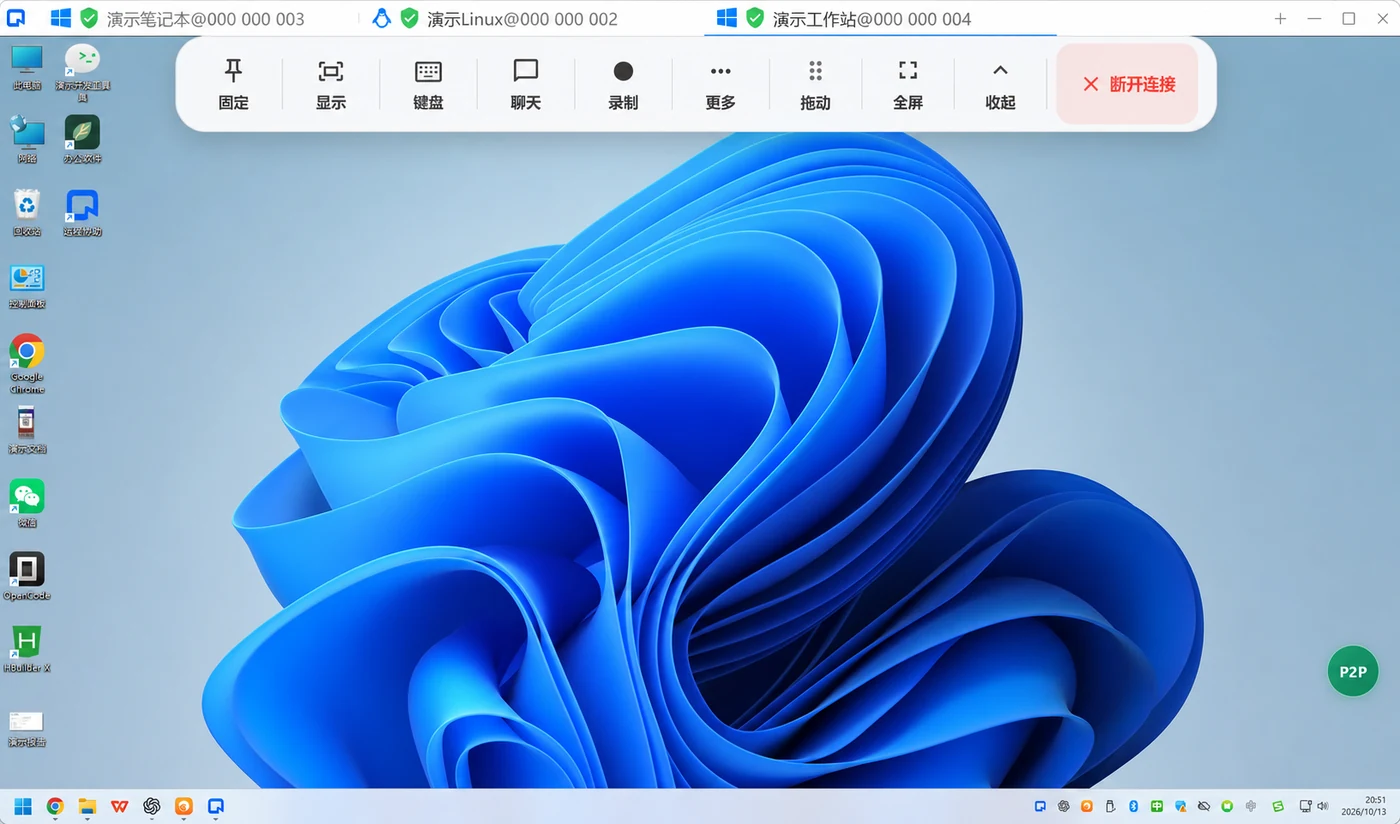
Connect to your authorized AI workstation and see the task as it runs.
Review results, adjust instructions and make the decisions that matter.
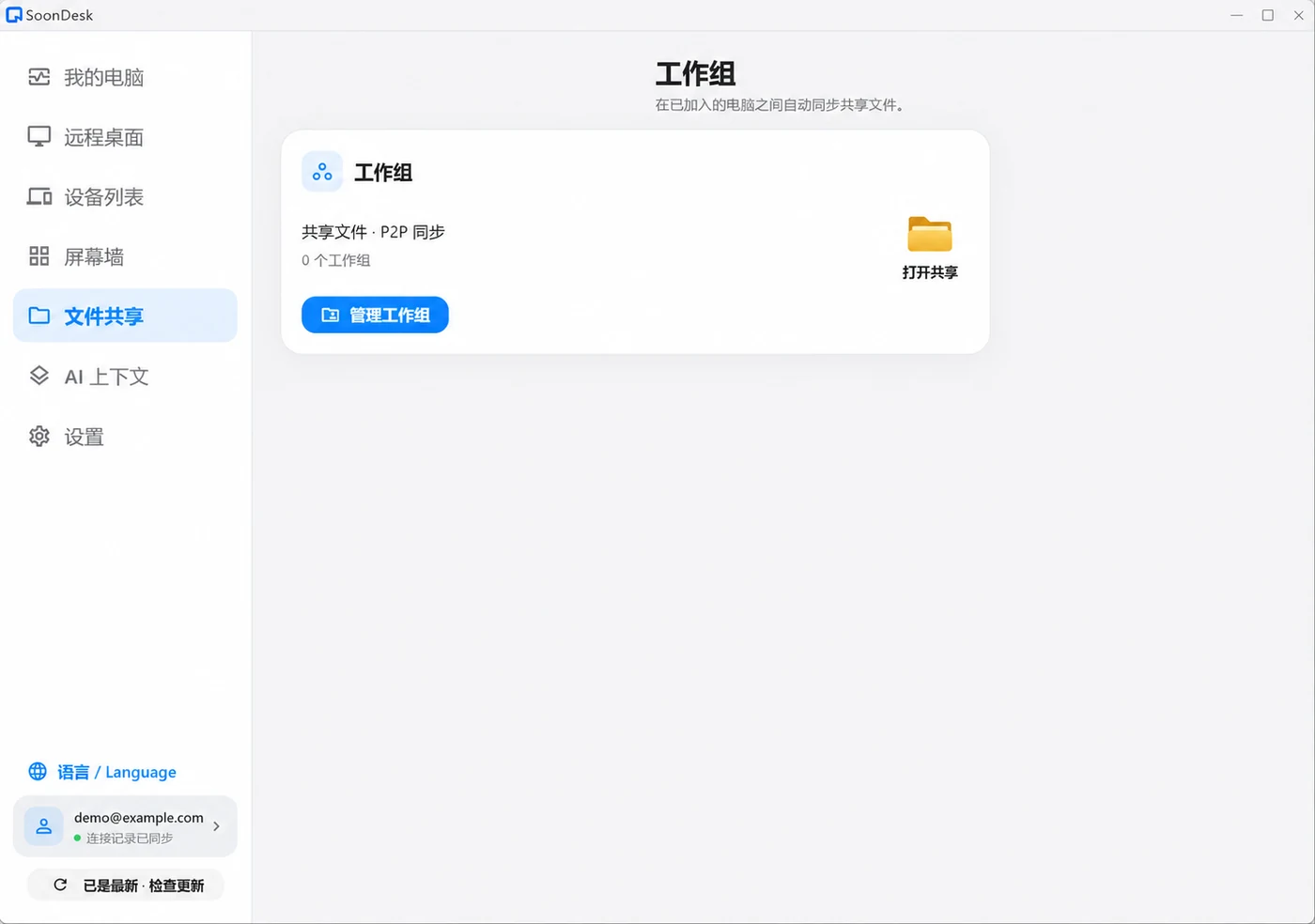
Place results you want to share in the workgroup folder and sync between authorized computers, without keeping a remote desktop open.
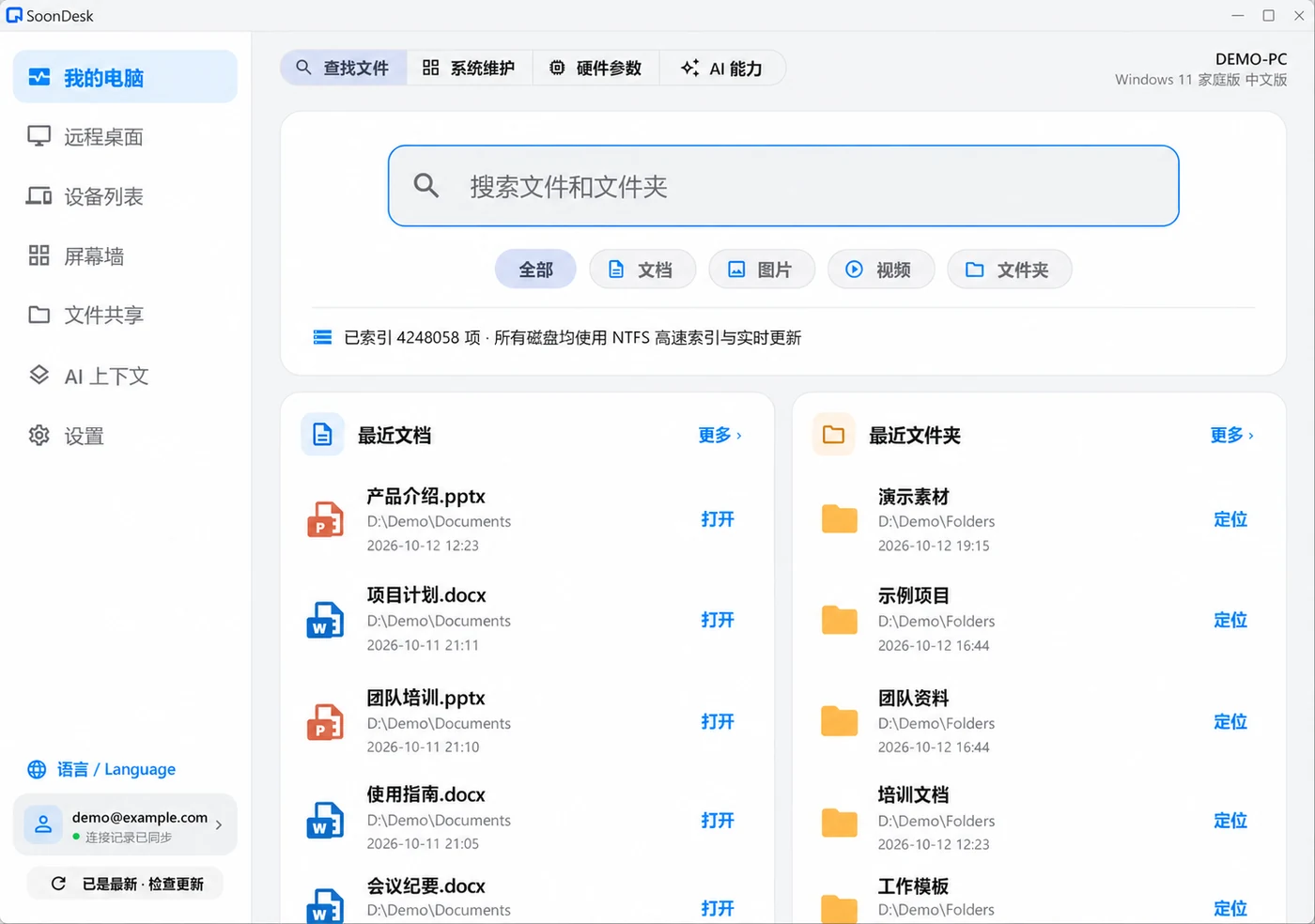
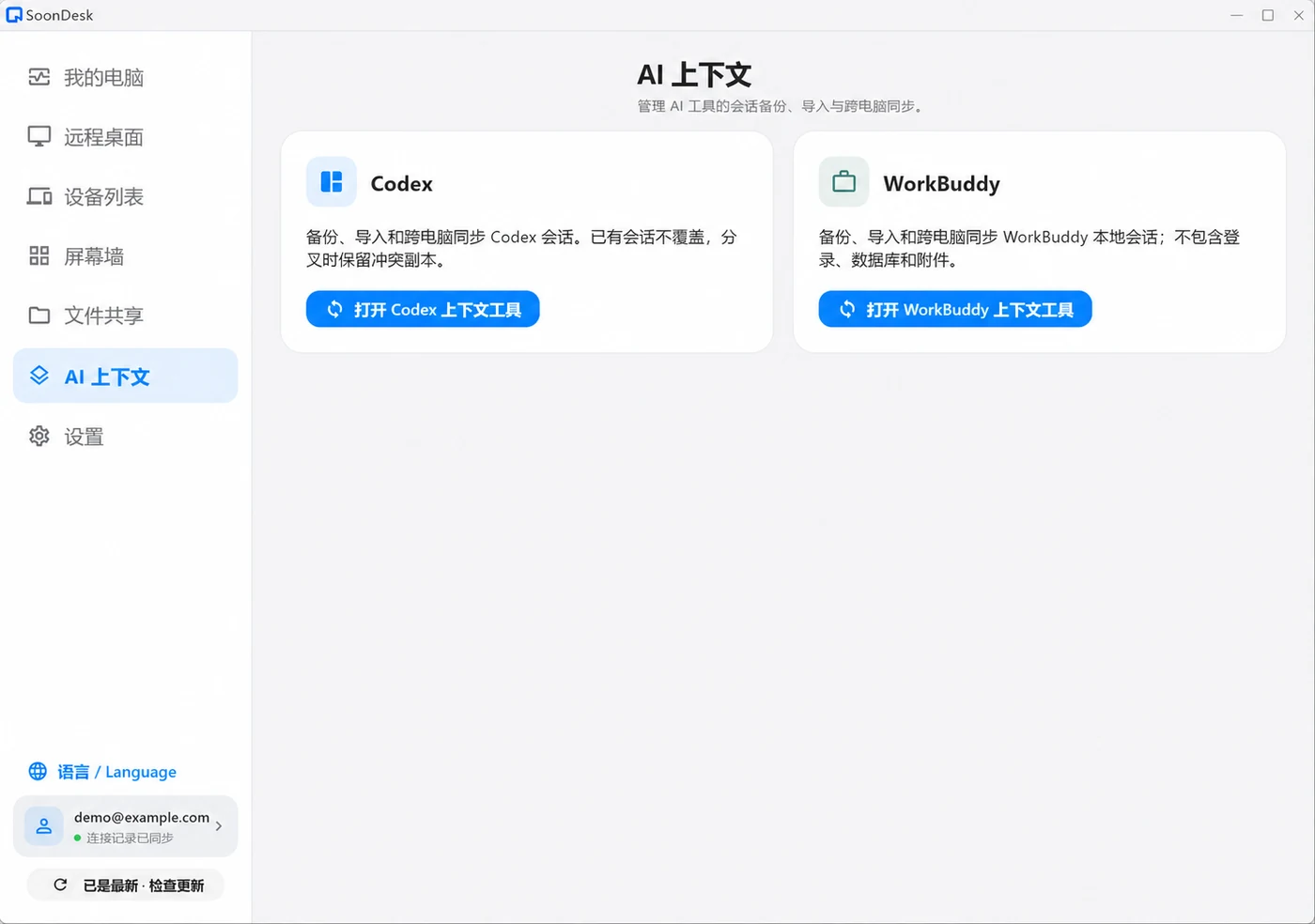
Workgroup sharingBack up, import or sync selected Codex sessions by project to continue your AI conversations on another computer. Divergent histories are kept as conflicts, not overwritten.
Codex contextWorkgroup and context sync require compatible clients and authorization on both ends. Mobile capabilities may differ from desktop.
Connect to your AI workstation to check progress. SoonDesk tries authenticated P2P first. When direct remote-desktop access isn't available, it falls back to relay and continues trying to upgrade eligible sessions.
P2P depends on both networks and their NAT behavior. A direct path cannot be guaranteed on every network.
Platforms release independently; versions may differ.
Choose the package that matches your device architecture.
64-bit · x86_64
Get Windows app3d77394e0c6aa291b988ff47e39cd533d29728a389bf6442244c3da5bfd20ebb
Apple Silicon · macOS 12.3+
Get Mac app9a022ba26a23c975d1a0eb7a13a72a05847cb2989ddd136c4736eac43cbffb57
App signed and notarized. Not for Intel Macs.
Ubuntu / Debian · amd64
Get Linux appf93fc40af448999ad54312e5a134917cc29aecd2558b131564ae9391a0e0873f
System authorization required. Manual DEB install supported.
ARM64 · Android 9+
Get Android appfb3d611baa6bcde060b34f35678908a0df45a2e81772cd42b5cfe48d767883da
Install the APK manually and grant required permissions.
Use compatible recent versions on both devices. Updates briefly interrupt connections and sync; save your work first. The Windows installer is not Authenticode-signed. Verify its SHA-256 and keep system security protections enabled.
Start your AI task on the workstation and install SoonDesk on both devices.
Enter the workstation ID and authorize access. Keep it powered on and online.
Connect to review results or make changes. You don't have to keep watching the desktop.
Your AI team means the AI assistants or agents you use on your workstation. Those tools still run the tasks. SoonDesk provides remote access so you can check progress, review results and take control. It doesn't run AI tasks or approve actions automatically. Keep the workstation powered on, online and running SoonDesk; sleep or shutdown interrupts access.
Not always. SoonDesk checks authenticated direct paths, but symmetric NAT, multiple public exits or enterprise policies may prevent hole punching. Relay can keep the session available; eligible remote desktop sessions keep trying to upgrade to P2P with rate-limited background attempts.
Joined computers can sync over a separate P2P channel without an open remote desktop. SoonDesk must stay running on both ends and the invitation must be accepted. Sync may wait if no direct path is available. Only content in the workgroup folder is shared.
Current workgroup sync exchanges new files and version copies. It does not directly overwrite same-name files or propagate deletions. It is a collaboration feature, not a replacement for backups. Keep separate backups and confirm client versions and folder scope.
Only the sessions you select and authorize are processed. Append-only updates can sync safely; divergent histories are retained as conflicts, not merged automatically. Login keys are not copied, but session content may include code, tool output or sensitive information. Sync only to trusted devices.
On Linux, download the DEB and authorize installation with the system package installer. Retry later if the package manager is busy. The Mac download is for Apple Silicon (M-series) only. Drag the app from the DMG into Applications and grant the permissions requested by macOS. Keep system security enabled.
This website does not use ads, third-party analytics or tracking cookies. The server keeps necessary access and error logs, and downloads connect to the distribution server. This description applies only to the website, not to the client's permission prompts or data-use notices.
Supervise your AI team, anytime, anywhere.